


Your Overall Face Score
See a whole-number score from 0 to 100 that summarizes alignment with this tool's geometric rules. Use it as a starting point for exploring the photo, not as a vote on your appearance.
FREE · PRIVATE · NO SIGN-UP
Upload a front-facing photo to get your 0–100 face score and a visual breakdown of your proportions.
Analysis runs in your browser.
Illustrative example
Symmetry86
Visible thirds76
Facial fifths81
Length-to-width72
Photo confidence is reported separately from the face score. These are sample values.
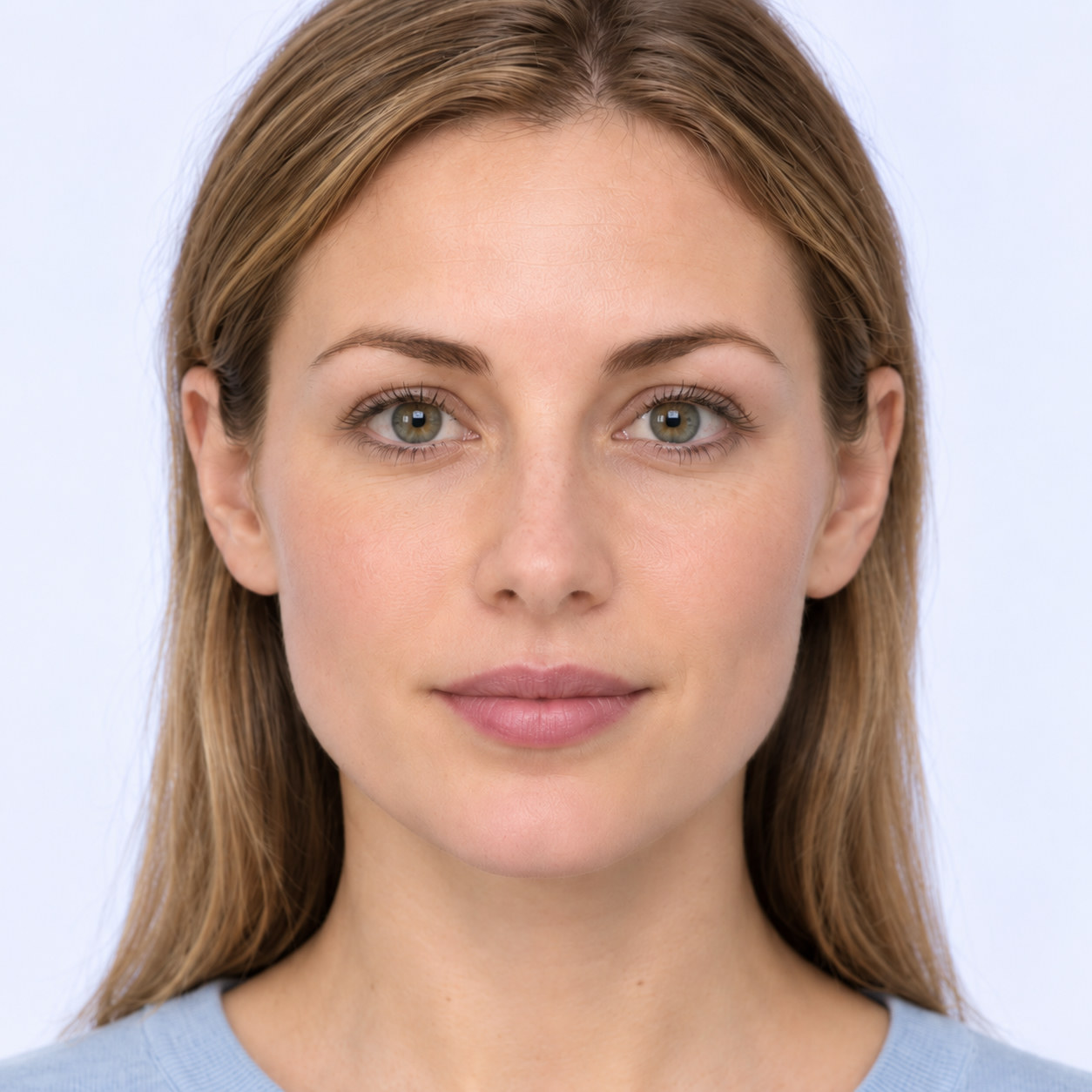
This sample has 478 frozen landmarks. Overall 85/100; facial symmetry 90/100; visible thirds 17 / 44 / 39 percent, score 80/100; facial fifths 92/100; length-to-width 1.18:1. These are geometric measurements, not a judgment of human value.
Drop your photo here or choose a file.
Use one person with the full face visible.
JPG, PNG or WebP · Max 10 MB
At least 480 pixels on each side; no more than 40 megapixels.
HEIC or HEIF? Export as JPG or PNG first.
Processed locally in your browser.
See Photo TipsWondering ‘how attractive am I’? Explore four outputs that explain the selected photo, rather than stopping at a single number.
See a whole-number score from 0 to 100 that summarizes alignment with this tool's geometric rules. Use it as a starting point for exploring the photo, not as a vote on your appearance.
Review symmetry, visible facial thirds, eye spacing and fifths, and face length-to-width separately. The breakdown shows which measurements contribute to the total, so you can connect the overall number with the proportions it describes.
Check the input conditions before comparing results from different photos. Photo confidence describes measurement conditions rather than attractiveness, so a clearer image can improve the input without promising a higher face score or a perfect measurement.
Inspect measurement guides over your photo to see where the reported values come from. Preview and download a PNG in your browser if you want a copy after clearing the page or starting another test.
HOW IT WORKS
Choose your photo, let the tool check it, then explore your result. Select a step to preview.
EXAMPLE WALKTHROUGH
01 / 03Keep the full face visible, with even lighting.
EXAMPLE WALKTHROUGH
02 / 03If the photo cannot be analyzed, follow the guidance and try another.
ILLUSTRATIVE RESULT
03 / 03Overall face score
80 /100
1. Input checksYour browser checks the file type, size and image dimensions before preparing the photo.
2. Landmark mappingAI locates facial landmarks used for photo checks and geometric measurements.
3. Photo qualityThe tool checks face count, framing, head position, sharpness and lighting. If the photo cannot be analyzed, it explains what to change.
4. ScoringFor a usable photo, fixed rules calculate four component scores and the overall score. Photo confidence is reported separately.
Four geometric measurements, each with a fixed weight in your overall score.
Compares paired landmarks around the eyes, brows, nose, mouth and jaw.
The tool compares how closely twelve pairs of landmarks mirror each other across a fitted centerline. Head rotation can change their apparent balance. Jaw pairs are included in this component.
Measures three connected sections from the visible top of the face to the chin.
The three distances follow the visible top, a brow midpoint, the nose base and the chin. Their reference shares are 18%, 41% and 41%. The starting point is a visible landmark rather than the natural hairline. Head position can change these divisions.
Compares the eye spans, the gap between the eyes and the outer cheek sections.
Five distances connect cheek and eye landmarks. Each is compared with 20% of their combined length. The outer sections can be diagonal. Keeping both eyes and cheeks visible helps the model estimate the endpoints.
Compares the visible top-to-chin distance with the distance between cheekbone landmarks.
The calculation divides the straight visible top-to-chin distance by cheekbone (bizygomatic) width. The reference 1.38 is a chosen scoring rule. Camera distance and viewpoint can change the apparent proportion.
Understand the number, the breakdown and the photo behind them.
A score on this scale, not a population percentile.
Sharpness · Head position
Lighting · Framing
A higher score means closer alignment with this tool’s geometric references in the selected photo.
Read the component scores together to see which measurements contribute to your total.
This separate measure describes the photo conditions. It is not part of the weighted face score. Review any photo warnings before comparing results.
Keep photo conditions similar, and save your current result first.
The score reflects this tool’s chosen geometric references. It does not establish a universal beauty standard or measure personal worth. Photo angle, distance, expression and lighting can affect what is measured.
Read how the score is calculatedUse these photo tips for face analysis to give the landmarks a clearer starting point.
Face the camera - Keep your head level so both sides remain visible.
Use even lighting - Soft light preserves detail on both cheeks.
Show your full face - Leave room around the eyes, cheeks and jaw.
Choose a sharp photo - Clear edges help the model locate features.
Keep a relaxed expression - Similar expressions make photo comparisons more useful.
Turn sideways - Angles change the proportions seen by the camera.
Use strong backlight - Facial details can disappear into shadow.
Cover features - Hair or hands can hide landmarks.
Reshape with filters - Altered proportions change what is measured.
Choose group photos - The tool requires one face.
This tool uses AI to estimate facial landmarks, then applies fixed geometric rules to produce a face score. It explores one photo's proportions, not identity, age, gender, ethnicity, health or emotions. It cannot give a universal judgment of beauty.
The four components use the weights shown above: symmetry 35%, visible thirds 25%, fifths 25% and length-to-width 15%. Each component is rounded before weighting, then the total is rounded. The About page explains the current scoring rules.
Yes, including the full breakdown and PNG download. No account, email address or payment is required to reveal the result. Choose a suitable photo to begin; the site does not create a saved profile or an account history.
No photo, landmarks or result are uploaded by the tool or written to browser storage. They remain in temporary memory during the session. Only a download you choose creates a saved result file; website delivery still uses network connections.
There is no universal cutoff for a good face score. A higher number means closer alignment with this tool's selected geometric references, not a population rank. Read the components and photo confidence together; this is not a medical assessment.
Angle, camera distance, expression, crop and lighting can change the visible geometry and estimated landmarks. Compare similar front-facing photos rather than treating every difference as a change in your face. Better photo conditions do not guarantee a higher score.
The rules are fixed, not randomized. The same photo in the same browser, landmark model and scoring version should repeat the result. Different devices or versions may estimate landmarks differently, so identical scores across all environments are not guaranteed.
Yes. Open Preview & download result, review the image, then choose Download PNG. Hide photo removes photo pixels, not the remaining geometry and scores, so it does not make the file anonymous. Downloaded files remain after you clear the page.
Free · No Sign-Up · On-Device Analysis
Choose a clear, front-facing photo to explore your face score, four components and visual guides. Review the measurements, then save a copy if you choose.
Rate My Face

